iPhone and iPad app · public beta
Scan it. Print its place on the wall.
Slotwise scans whatever you want to hang, from a drill to your headphones, with the LiDAR camera on your iPhone or iPad, then designs a holder that fits it and hangs it on your IKEA SKÅDIS pegboard. It works out how many clips the weight needs, so you just print it and clip it on.
iPhone and iPad · iOS 18 · Scan with LiDAR, or from a photo · 3MF or STL for any 3D printer
What it does
From the thing in your hand to a holder on the wall.
No CAD, no measuring with calipers, no guessing whether two clips will take the weight.
Scan it with your iPhone or iPad
Walk around it and Apple's Object Capture builds a 3D model on the device. Something flat, or no LiDAR? Trace it from a photo on a sheet of paper, or import a 3D model.
A holder made for that shape
It suggests a peg through a closed handle, a holster for pistol grips, a hanger for anything with two grips like a game controller, or a cradle on shaped arms, and you can switch. Trays get a pocket molded to the scan.
Clips counted for you
Enter the weight and Slotwise adds clips, and grows the plate, until each one carries its share three times over. It builds for your filament, PETG, PLA or ASA, and you can pull-test your own clips and enter what they held.
Bins, drawers, shelves and more
Not everything needs a scan. Make a bin, a cabinet of drawers, cup and can rings, hooks, a rail for towels and rolls, a cable tidy, a roller clip, a rack for hand tools, a shelf, or a phone or tablet stand. Lay tools or cups on a sheet of paper and one photo fills in their sizes.
Lay out the board, then see it in AR
Slotwise suggests where everything goes, heaviest near the fixings, and snaps each holder into real slots. Preview the board in 3D or on your actual wall.
Boards that sync and share
Boards, holders and scans sync over iCloud, and one search, or Siri, finds any of them. Share a board with someone so you can both work on it at once.
The holders
One family, from paint brushes to your coffee mug.
Every holder shares the same shape language: the plate stops flush with the holder, arms are thickest where they meet it, and a smooth fillet joins the two. These are the real parts Slotwise exports.
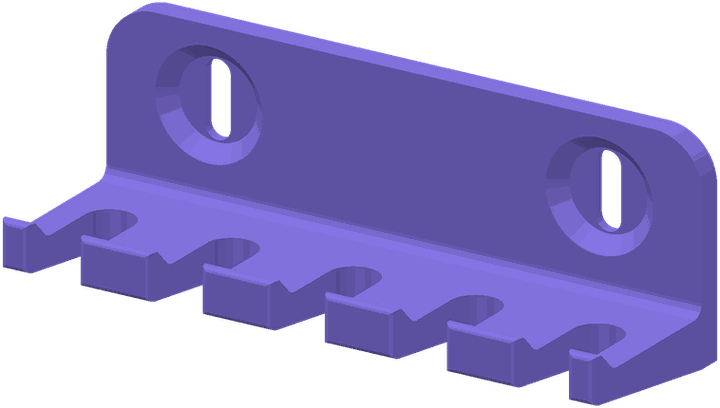
Wrenches
Open slots behind a low lip, so wrenches can't slide off the front.
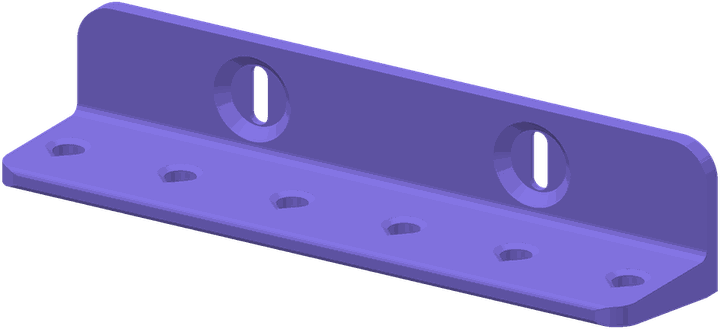
Row of holes
A shelf of holes with a lead-in for screwdrivers, brushes or pens, sized to the shafts and spaced for the handles.
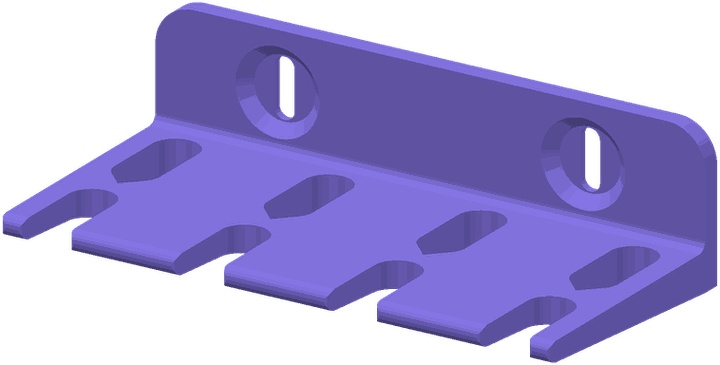
Pliers and scissorsNew
Pairs of open slots, so pliers, scissors or snips hang astride a ridged finger with a handle down each side.
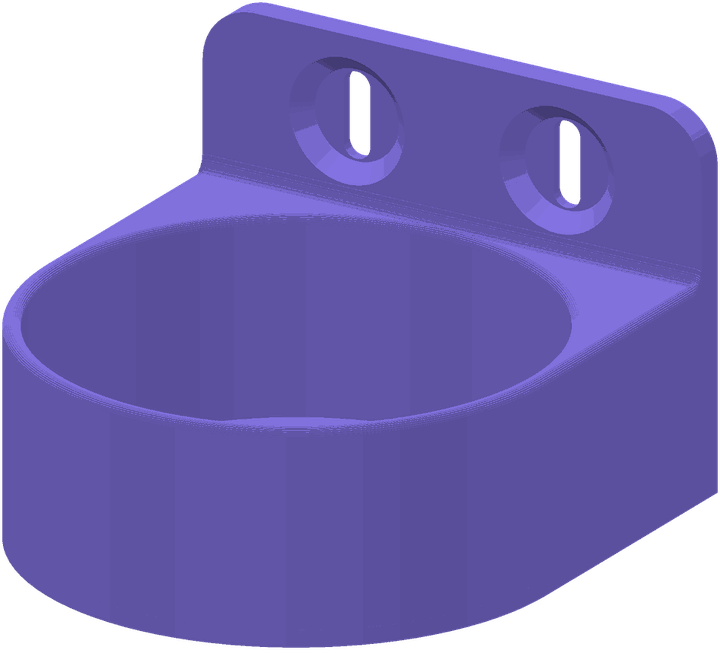
Mugs and cups
Round or oval, sized to your cup, with an optional slot for a mug handle. Or a row of rings, each sized to its own cup or can.
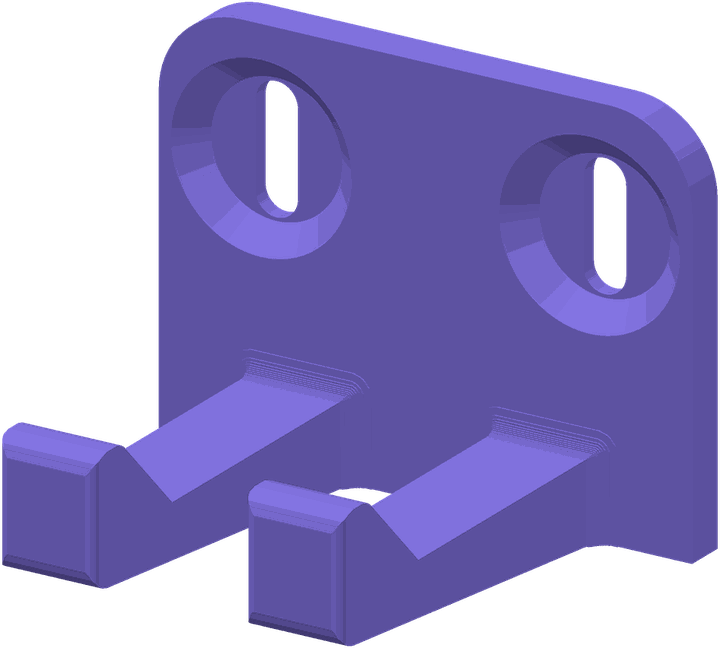
Hooks
One or a pair, with a 45° lip at the tip, at least 9 mm deep and deeper if the weight needs it.
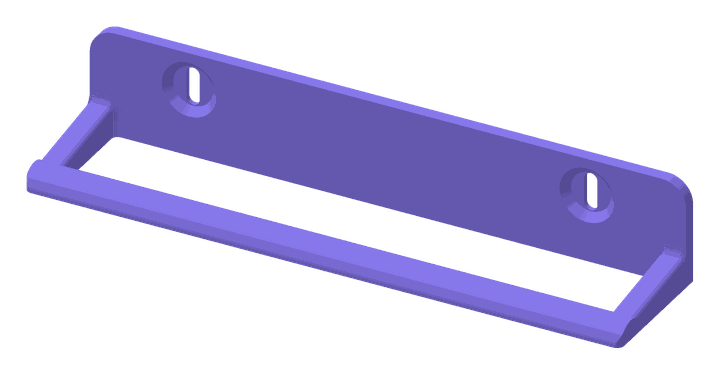
Towels and rollsNew
A bar held out on arms, square, triangle or half round, held at both ends or open at one for a roll to slide on.
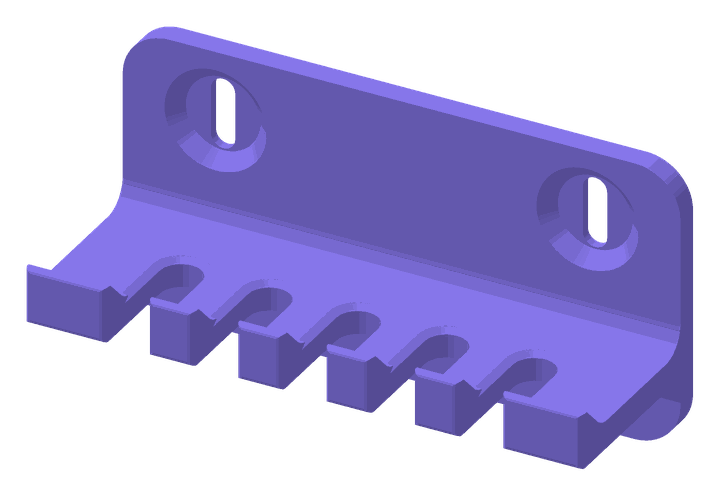
Cable tidyNew
A comb of rounded slots for coiled cables to hang through. Shelves and phone or tablet stands come from the same family.
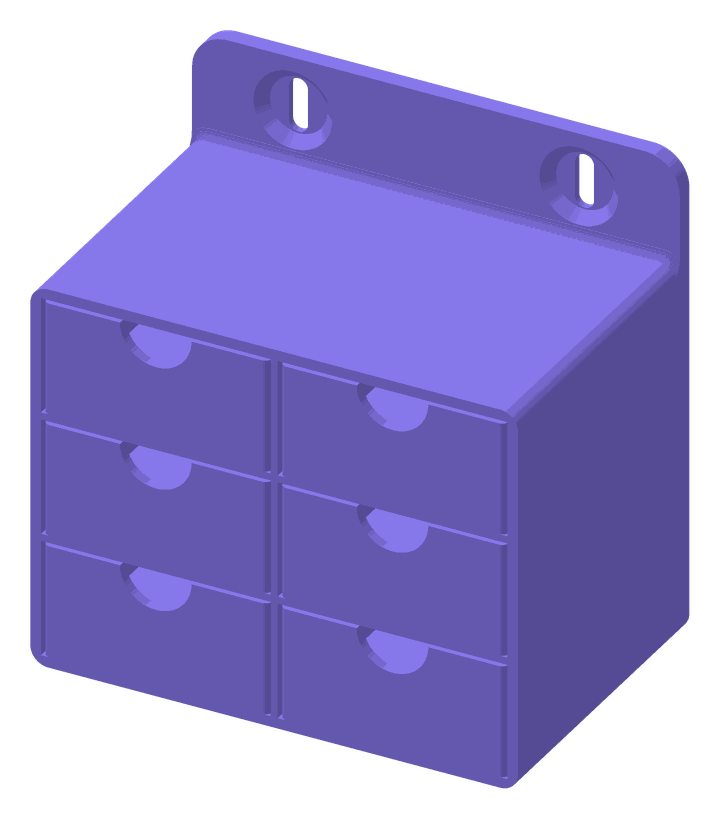
Drawer cabinetNew
Up to 8 drawers across and up, each sized from the inside, with a pull and, if you like, a name printed on its front.
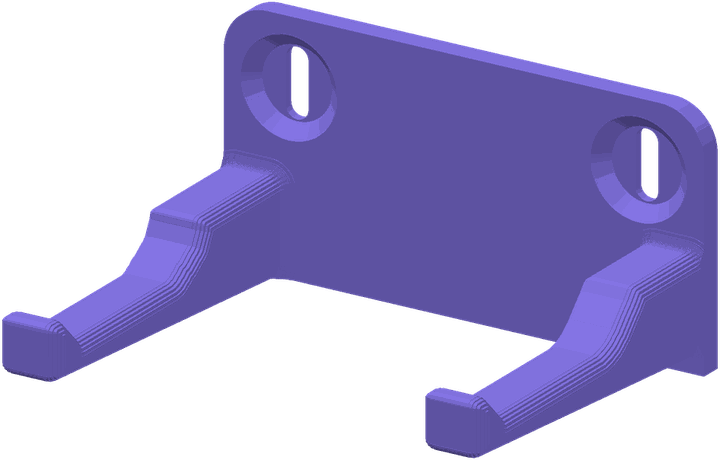
Holster
Two prongs shaped to the body of a drill, hair dryer or glue gun, so it drops in nose first.
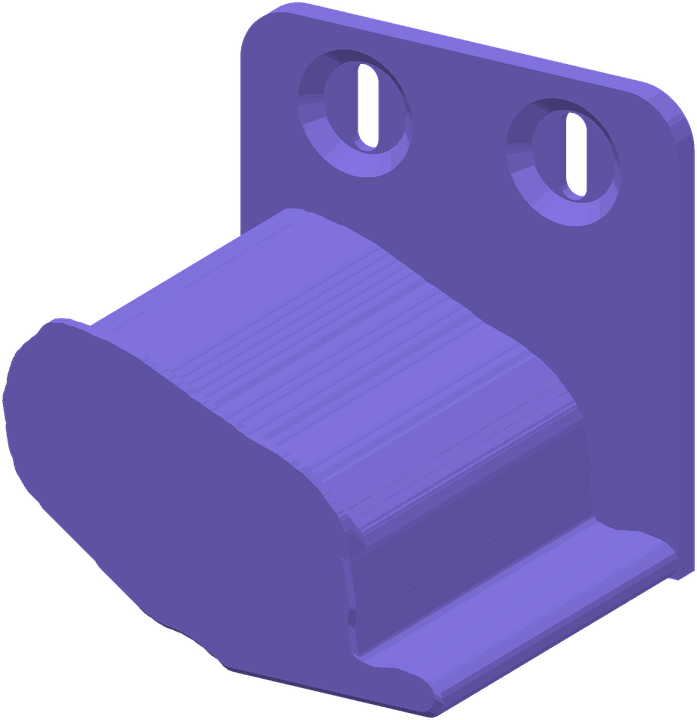
Handle peg
A peg molded to the inside of a closed handle or loop, like a saw's grip or a headphone band.
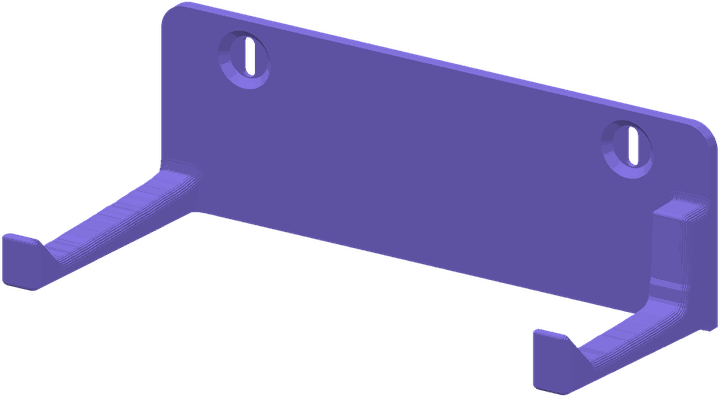
Cradle
Two arms spaced and shaped to the object, for everything without a handle to hang from.
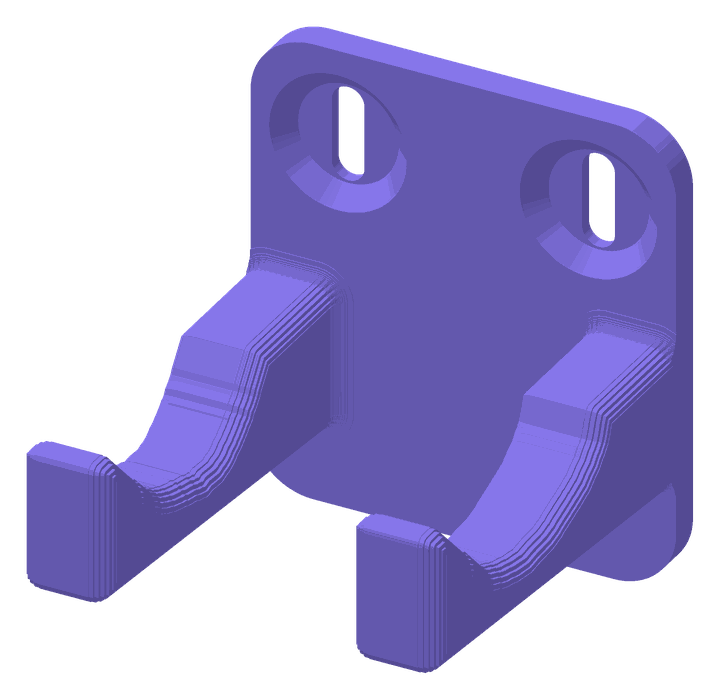
HangerNew
Prongs that reach up between two grips, so a game controller hangs face out and lifts straight off.
Surface patterns
Give a board its own finish.
Pick a pattern for a board and every holder on it gets it: on the plate around the holder and the outside walls of bins, trays and cups. Insides and clip pockets stay smooth.
Patterns stand 0.6 mm proud with 45° sides, so they print cleanly with no supports. Smooth is the default.
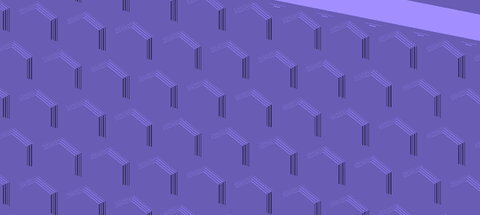
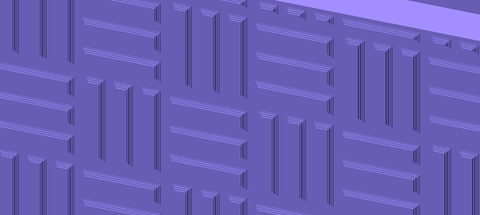
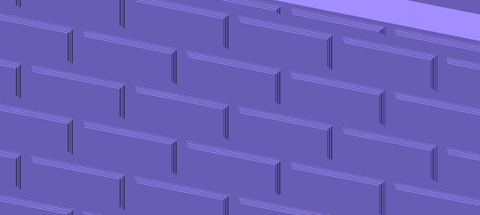


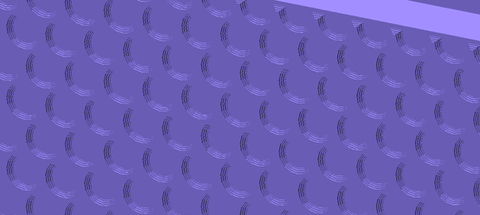
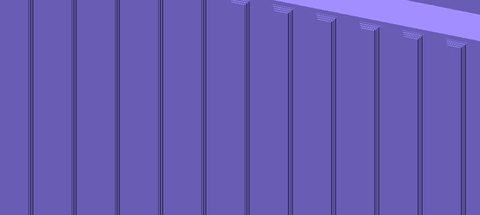
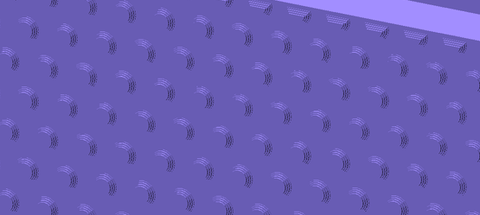
Also horizontal ribs, diagonal ribs, chevron and diamond plate.
Made to print
Every holder prints without supports.
Holders print lying on their back, so the rules that keep a print clean are built into the shapes. You get a part that comes off the plate ready to hang.
Bins, trays, cups, rails and the drawers themselves print standing up instead, and roller clips on their side. Share a 3MF that opens ready to slice in Bambu Studio, PrusaSlicer or OrcaSlicer, or a plain STL for any slicer. Or print a whole board at once, packed onto as few plates as it takes, with a rough filament and time estimate before you start.
How it works
Three steps from clutter to a tidy wall.
Everything happens on your iPhone or iPad. No account, and nothing is uploaded to us.
Scan
Set the object on a plain, matte surface and walk around it. Turn it over and scan again to catch the underside. Flat things can be traced from a photo instead.
Design
Pick the holder style, enter the weight, and check the preview with the object sitting in it. Save it to a board when you're happy.
Print and hang
Send the 3MF or STL to your printer, with the clips alongside. Push it into the slots, twist the clips, and hang it up.
A place for everything.
Slotwise is in beta on TestFlight before it comes to the App Store. Join the beta to try it now, free, and tell us how your holders print. Pricing once it's in the App Store:
Scan, design and lay out boards with every holder type. Your first three holders export free.
Unlimited exports and board sharing. One purchase, no subscription, shared with your family.
Install Apple's TestFlight app first · iPhone or iPad · iOS 18 or later · scanning needs LiDAR